Install Patrimo
Patrimo runs in a browser and installs like an app, on phones as well as computers. The Android file is there for anyone who would rather install it themselves.
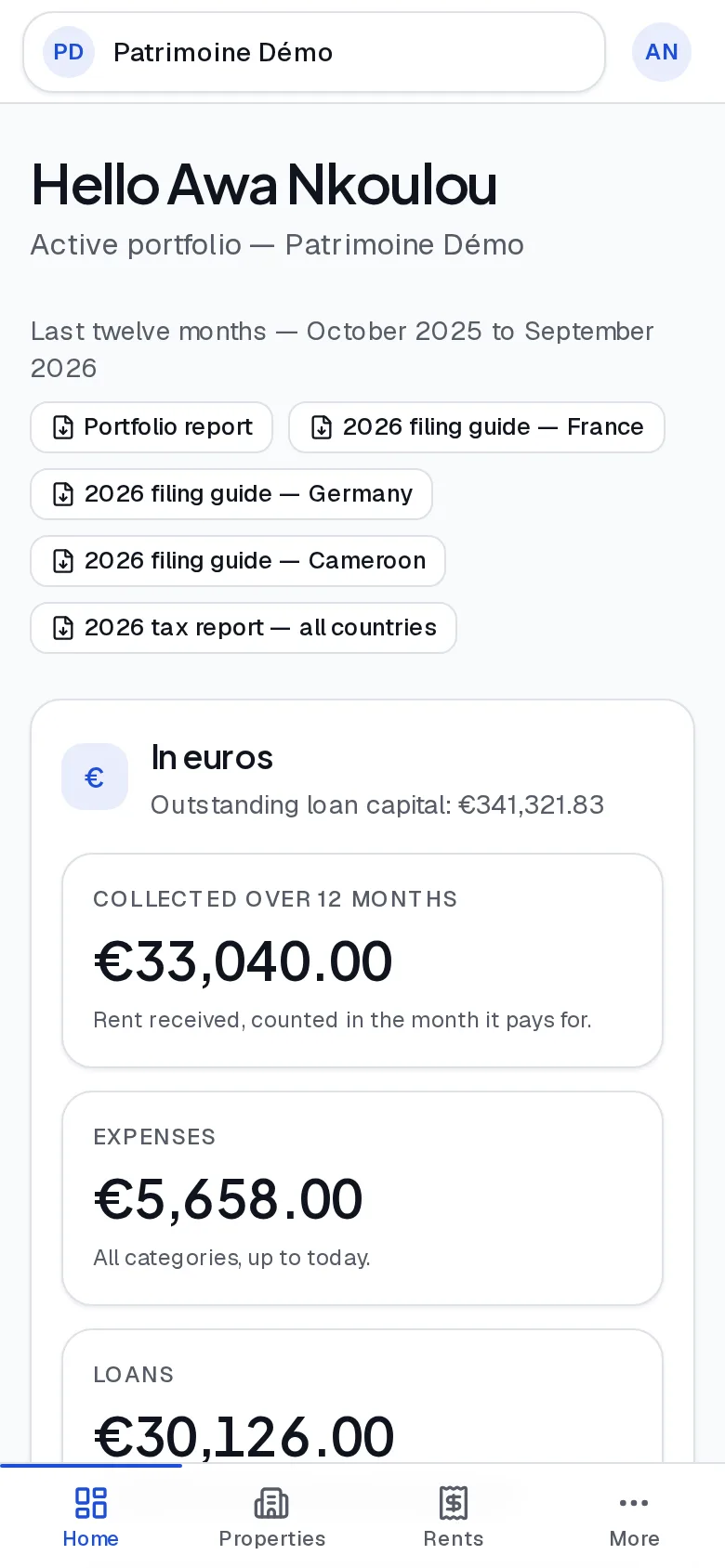
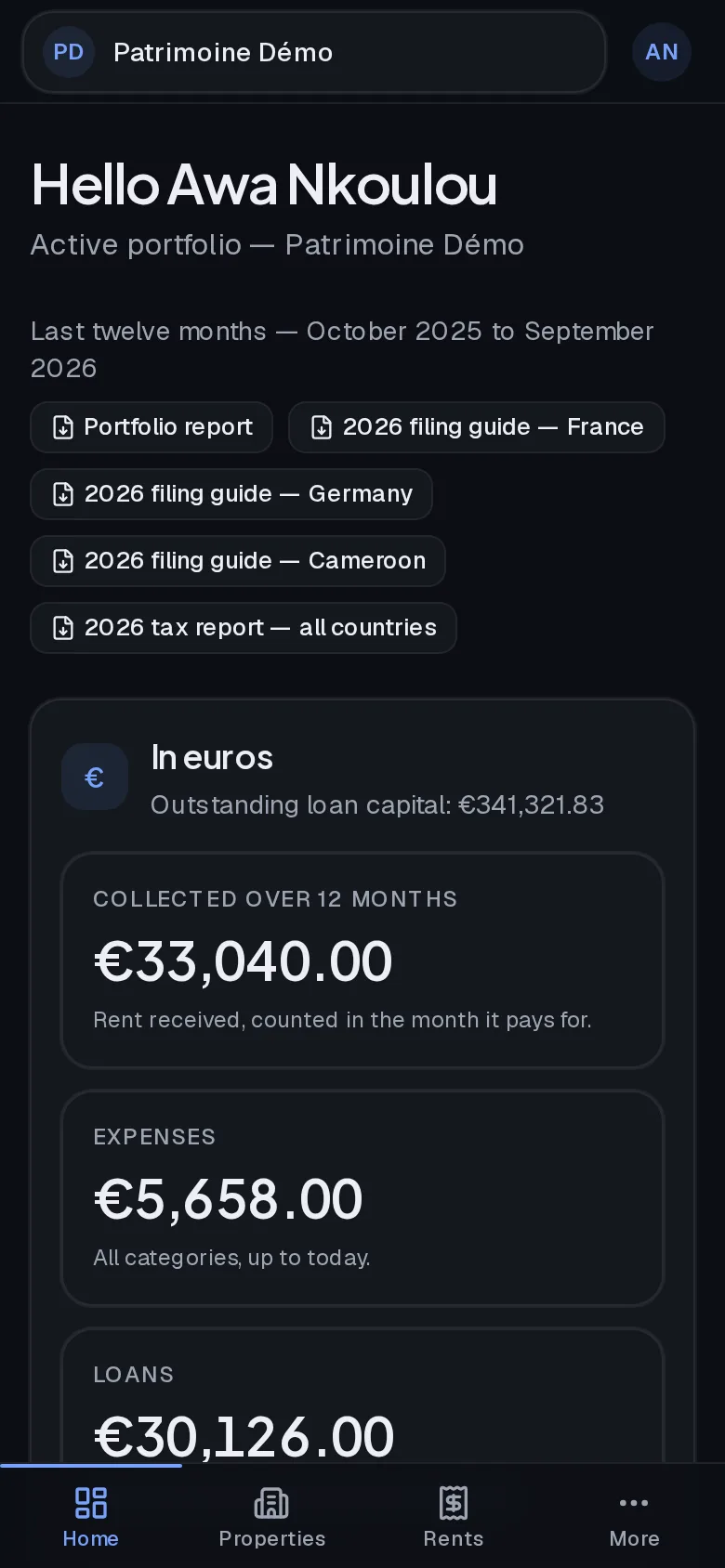
From your browser, in three steps
On a computer, Chrome and Edge show an install icon in the address bar. Firefox and Safari simply open the site: the features are exactly the same.
Android file
The same software, packaged for Android and signed by us. Useful to install the app yourself, or to roll it out across a team's phones.
Version 1.8.0 · published on September 20, 2026
Before installing, compare the checksum: sha256sum patrimo.apk on Linux, shasum -a 256 patrimo.apk on macOS, Get-FileHash patrimo.apk on Windows. It must match the one above character for character.
Installing the APK, step by step
An app installed outside the Play Store does not update itself. Come back to this page to pick up the next version.